

Looking for a cathedral selfie, stone arches or a green backdrop in Santiago? Pick one of ten spots and find it on the map. Start near CHUORE at Rúa da Senra 20 if you want a short walk through Alameda and the old town.
Choose a photo spot
Show on map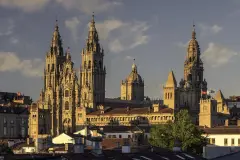 Paseo da Ferradura
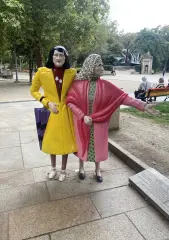 As Dúas Marías
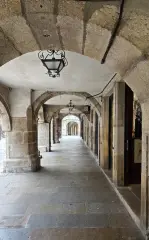 Rúa do Vilar
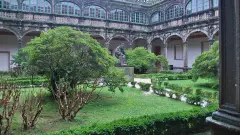 Colegio de Fonseca
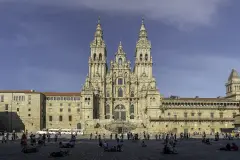 Praza do Obradoiro
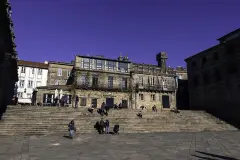 Praza da Quintana
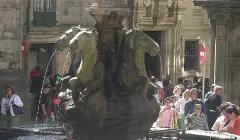 Praza das Praterías
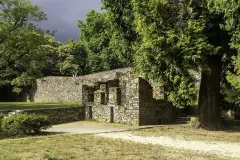 Parque de San Domingos de Bonaval
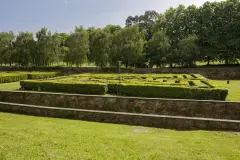 Parque de Belvís
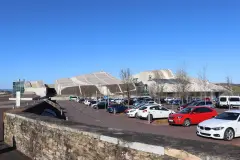 Cidade da Cultura
Audio guide
Listen to the walk in Spanish as you explore. Pause and continue whenever you like.
Spanish voice · automatic selectionMap and placesOpen the map when you are ready to start walking.
Map and places
Places to save for your walk
Choose a place, check its information and plan a walk with your saved places.
CHUORE
Freshly made churros, hot chocolate and coffee at Rúa da Senra 20. Check today’s opening status.
Rúa da Senra 20Photo walks from CHUORE
Choose a short section and add time for photos. The routes open in Google Maps with up to three intermediate points per link.
Alameda and the cathedral
CHUORE, As Dúas Marías, Ferradura, Rúa do Vilar and Obradoiro. End in Alameda for the shortest outing.
Open the Alameda walkThe squares and Fonseca
From Obradoiro, pass Fonseca, Praterías and Quintana. Enter the courtyard if access is permitted.
Open the walk around the squaresParks and back to A Senra
Start in Bonaval and continue through Belvís. Allow for slopes and check CHUORE’s opening times before a break.
Open the parks walk
Choose the backdrop
| Photo | Place | First tip |
|---|---|---|
| Cathedral selfie | Obradoiro | Leave space for both towers |
| Cathedral skyline | Ferradura | Frame the roofs below the towers |
| Colour portrait | As Dúas Marías | Stand beside both figures |
| Stone arcades | Vilar and Fonseca | Check courtyard access |
| Green backdrop | Bonaval and Belvís | Allow for slopes |
| Modern architecture | Cidade da Cultura | Plan a separate visit |
Try Obradoiro for the cathedral façade, Ferradura for the skyline, or As Dúas Marías for colour. The Vilar porticoes help during a shower. Bonaval and Belvís add gardens and slopes. Gaiás is a separate trip.
Ferradura · the cathedral above the rooftops
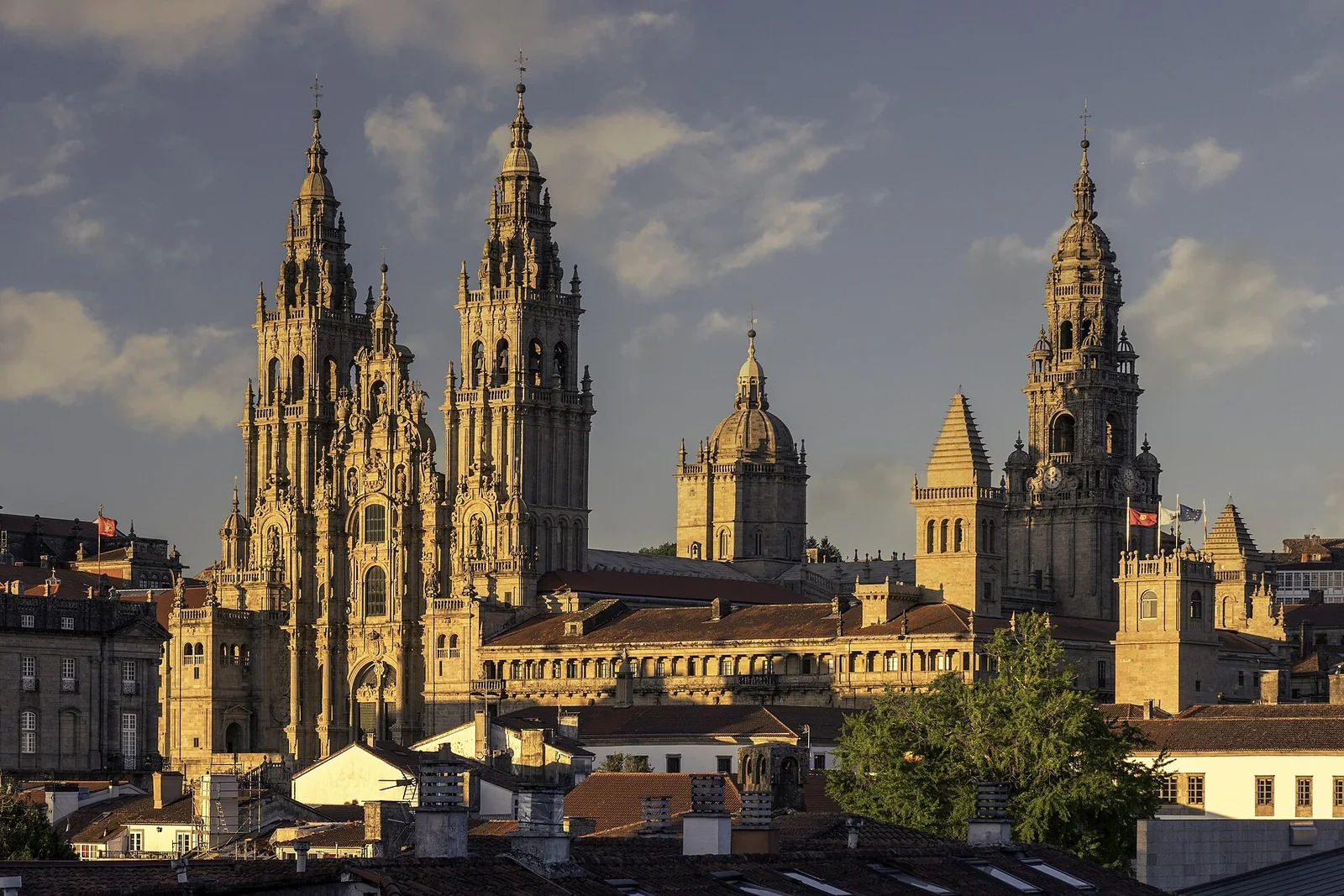
Look for a gap in the trees along the Ferradura path in Alameda Park. The pin marks the path; the photograph shows a zoomed view of the cathedral from the park.
How to frame it
Keep some roofs in the foreground and space for the towers above them. Try a little zoom for a city view.
Read more
For a selfie
Keep your face to one side and the towers to the other. Ask someone to use the rear camera if the background looks too small.
Light
If the sky is very bright, tap the view on your screen to adjust exposure.
Sources and official links
As Dúas Marías · a colourful portrait
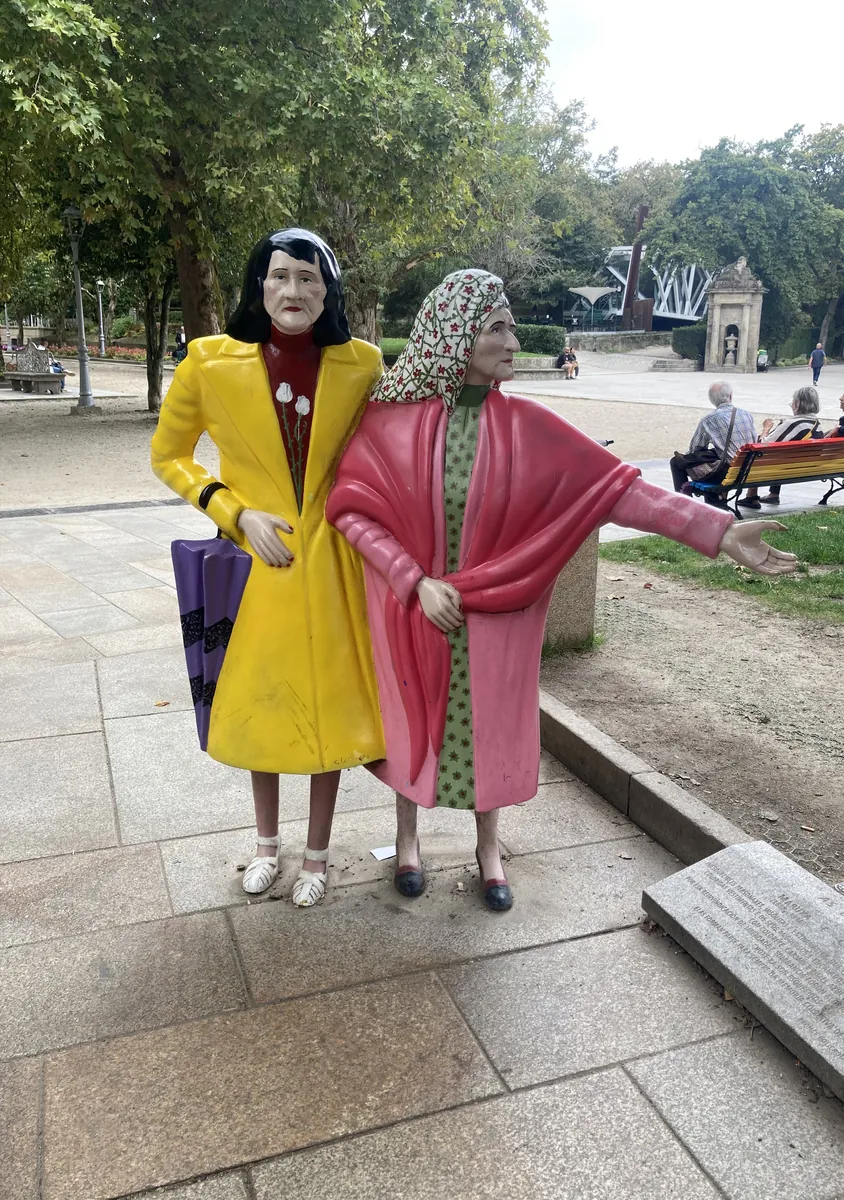
Find the two figures by the Alameda entrance near Porta Faxeira.
How to frame it
Try a vertical shot at eye level. Leave room for their heads and shoes when framing both figures.
Read more
For a selfie
Stand to the side so both sisters remain visible. For a group, ask for a photo from the front.
Light
Soft cloud light works well for faces and colourful clothing.
Sources and official links
Rúa do Vilar · arches and reflections
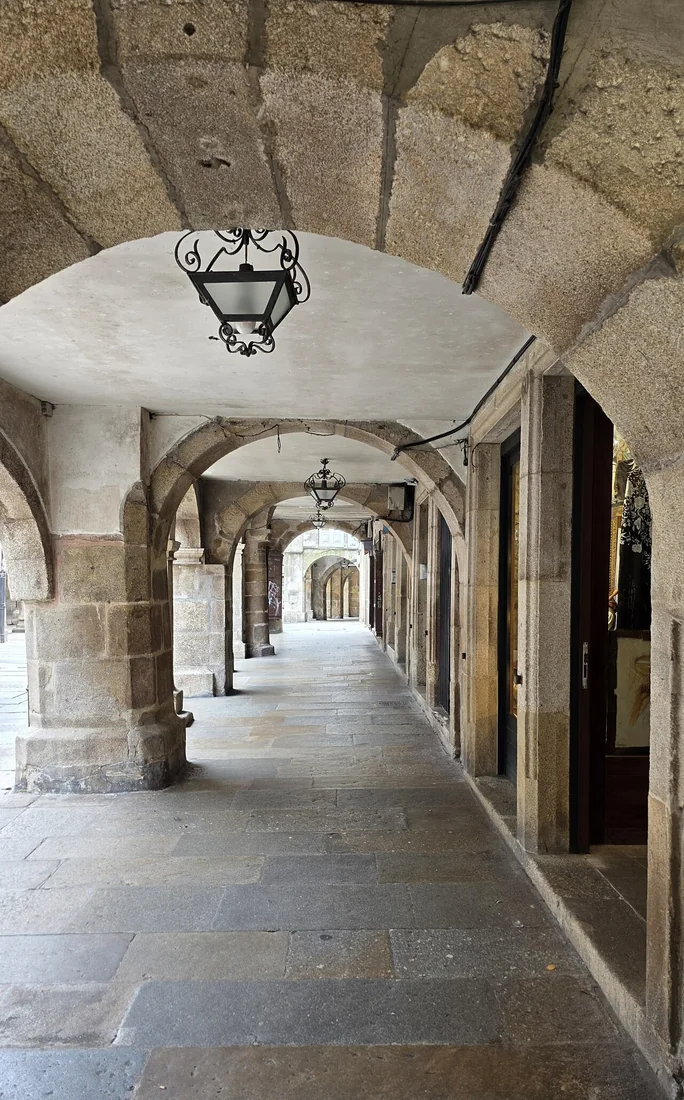
Pick a portico where you can step aside while leaving the footway clear.
How to frame it
Frame the scene between the columns. Let the next few arches lead the eye down the street.
Read more
For a selfie
Stand near the open side of the portico, facing daylight, with the stone arches behind you.
Light
Wet paving can reflect the arches. Some stretches of the street are exposed to rain.
Sources and official links
Fonseca · a portrait framed by stone
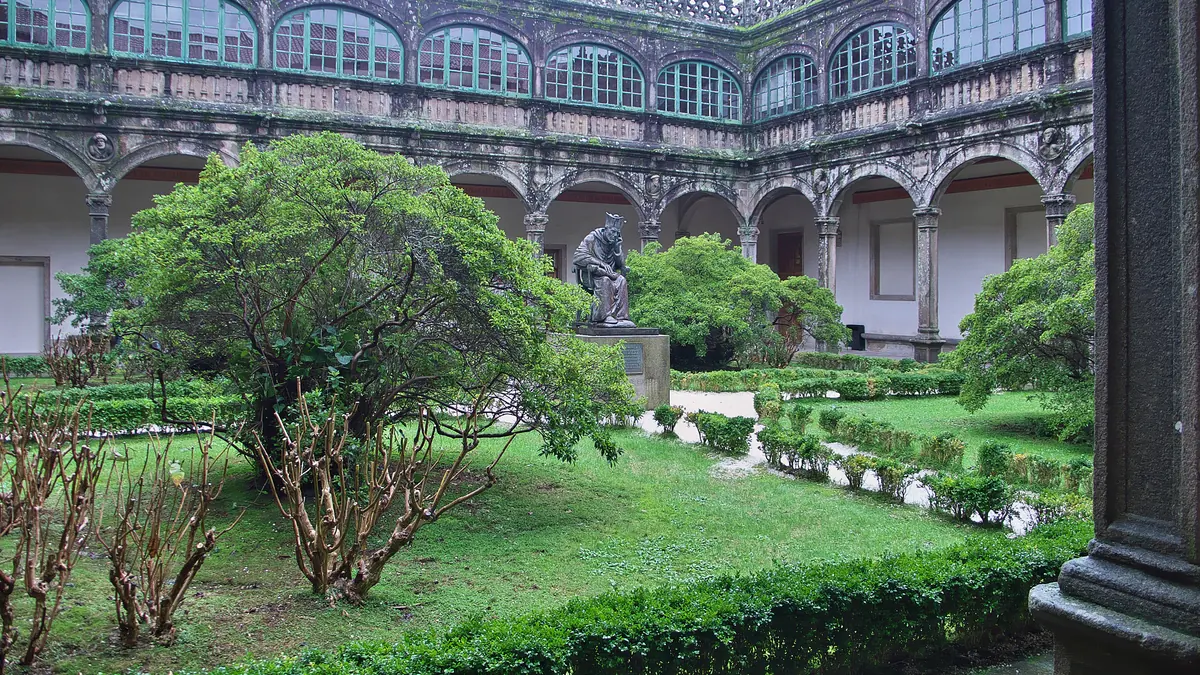
The photograph shows the Fonseca courtyard. Check whether visitors may enter on the day. You can use the façade outside as a second option.
How to frame it
If the courtyard is open, look for a diagonal view where several arches repeat. Outside, use a detail of the doorway as a backdrop.
Read more
For a selfie
Leave a visible arch over one shoulder. For a symmetrical portrait, use the rear camera or ask someone to take the photograph.
Light
Aim for a softly lit face near the edge of the gallery and follow the photography rules.
Sources and official links
Obradoiro · a selfie with the cathedral
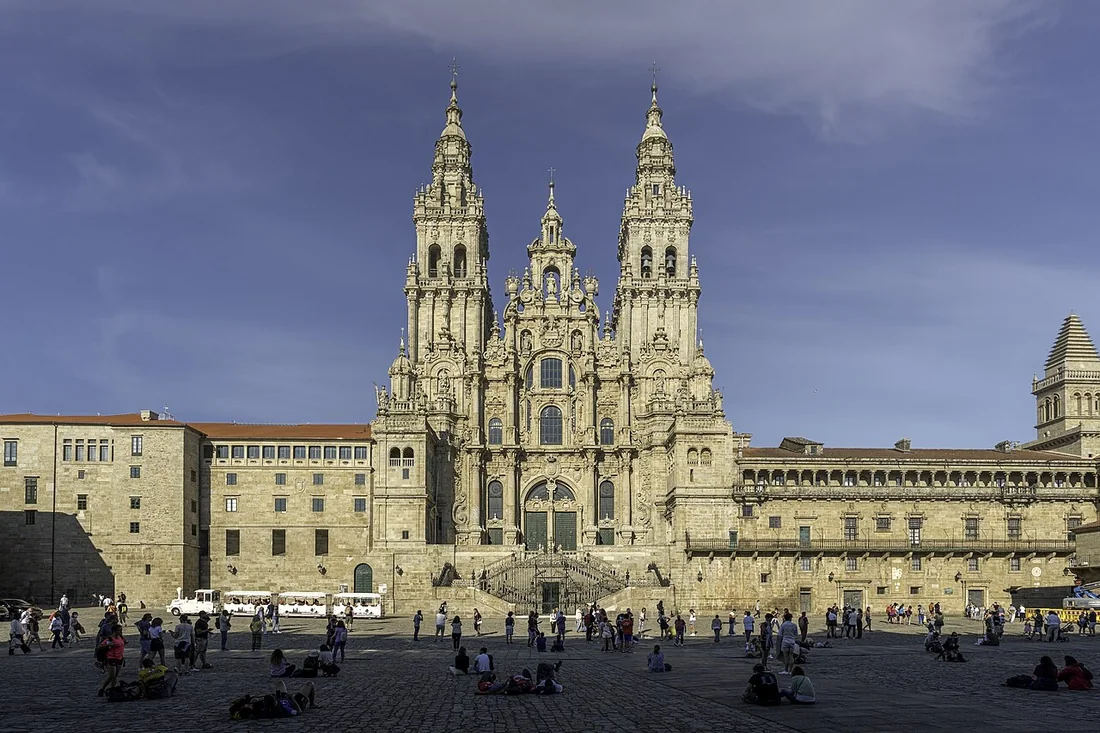
Start in the open part of Praza do Obradoiro, facing the cathedral’s west front.
How to frame it
Step back to fit the towers. Keep the phone upright and include a little of the square in the foreground.
Read more
For a selfie
Use a wide setting if available and keep faces away from the corners. Try the rear camera with a timer or ask for help if the towers are cut off.
Light
Look for even light on faces first. At dusk, hold the phone steady.
Sources and official links
Quintana · steps and stone
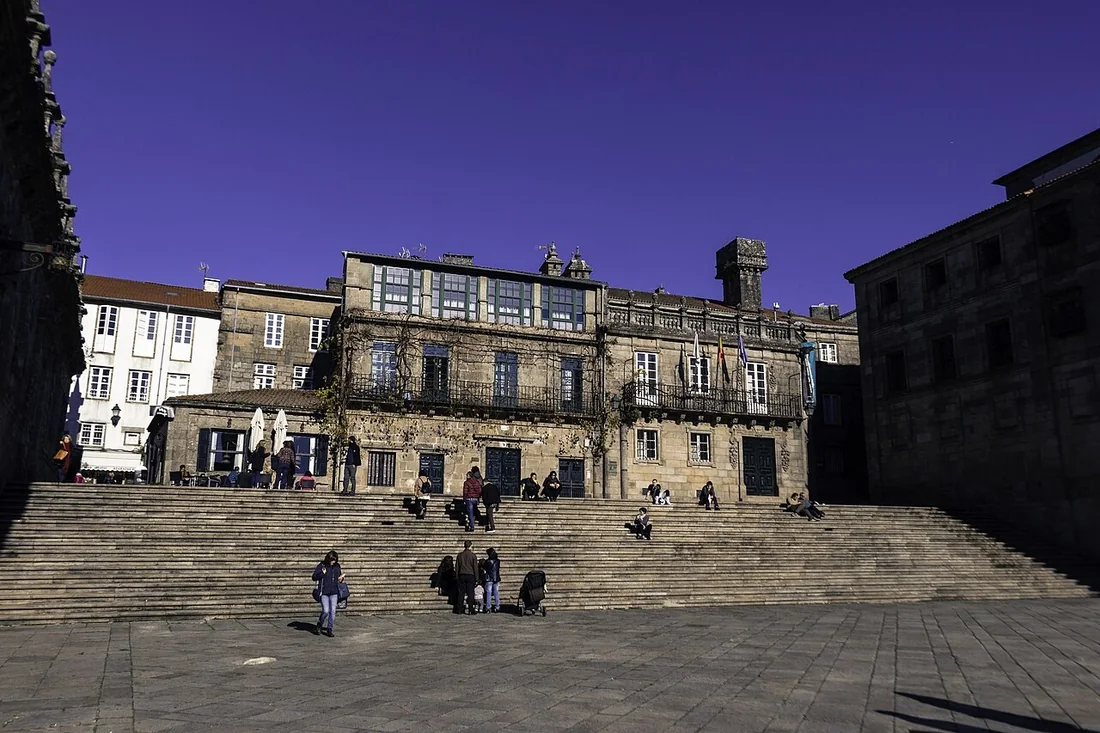
Explore the square behind the cathedral. The steps and Casa da Parra appear in the reference photo.
How to frame it
Try an angle that puts the steps on a diagonal, or a front-on portrait with stone as the backdrop.
Read more
For a selfie
Use a tidy patch of wall as the backdrop and leave enough distance to show the steps.
Light
Overcast skies soften the tones of the stone. In low light, steady the phone.
Sources and official links
Praterías · horses and small details
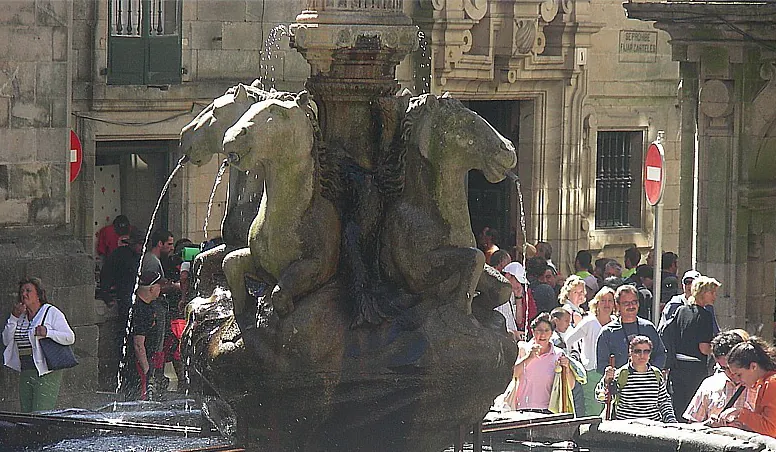
Find the Fonte dos Cabalos in the square at the cathedral’s south side.
How to frame it
Choose the subject before framing: a horse, a person or the architecture. Keep the objects behind a portrait from overlapping the face.
Read more
For a selfie
Leave the fountain to one side so the square remains recognisable.
Light
Change angle if reflections are too bright on the water.
Sources and official links
Bonaval · portraits among walls and trees
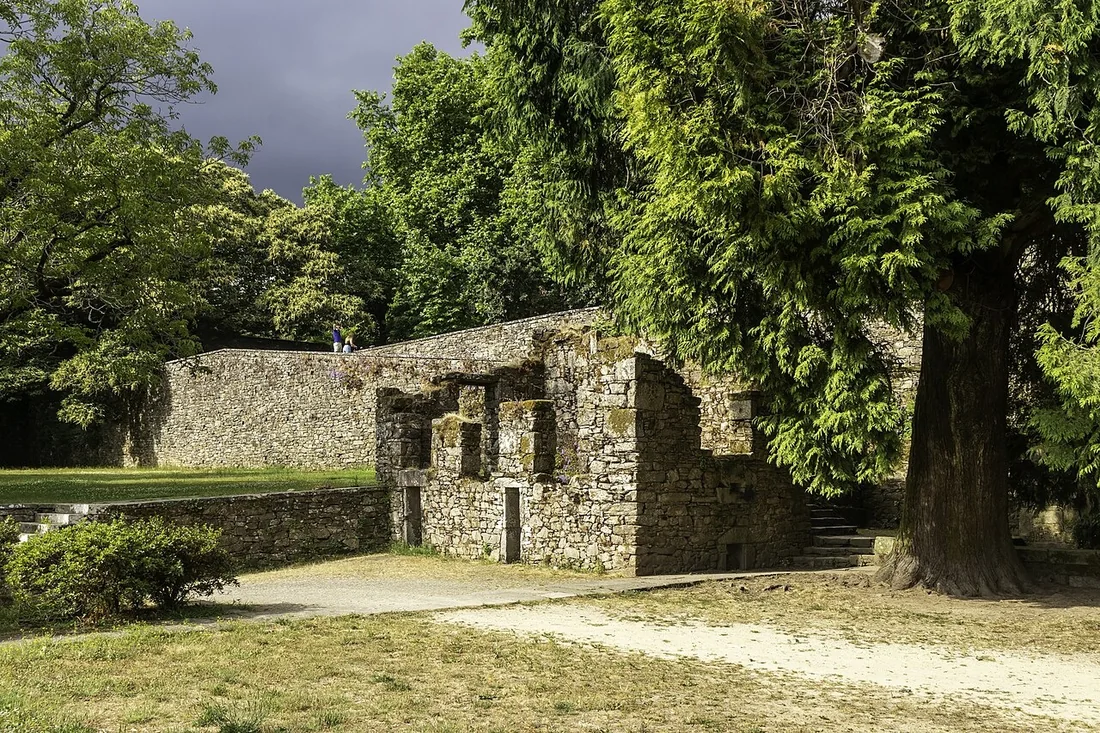
Explore the paths and different levels of San Domingos de Bonaval Park. The photo shows paths and greenery.
How to frame it
Use a path to draw the eye towards your subject or place them against a simple stone or leafy background.
Read more
For a selfie
Move a little to find a clear patch of green behind you.
Light
Even shade is easier to work with than scattered spots of sun.
Sources and official links
Belvís · green lines and a quieter view
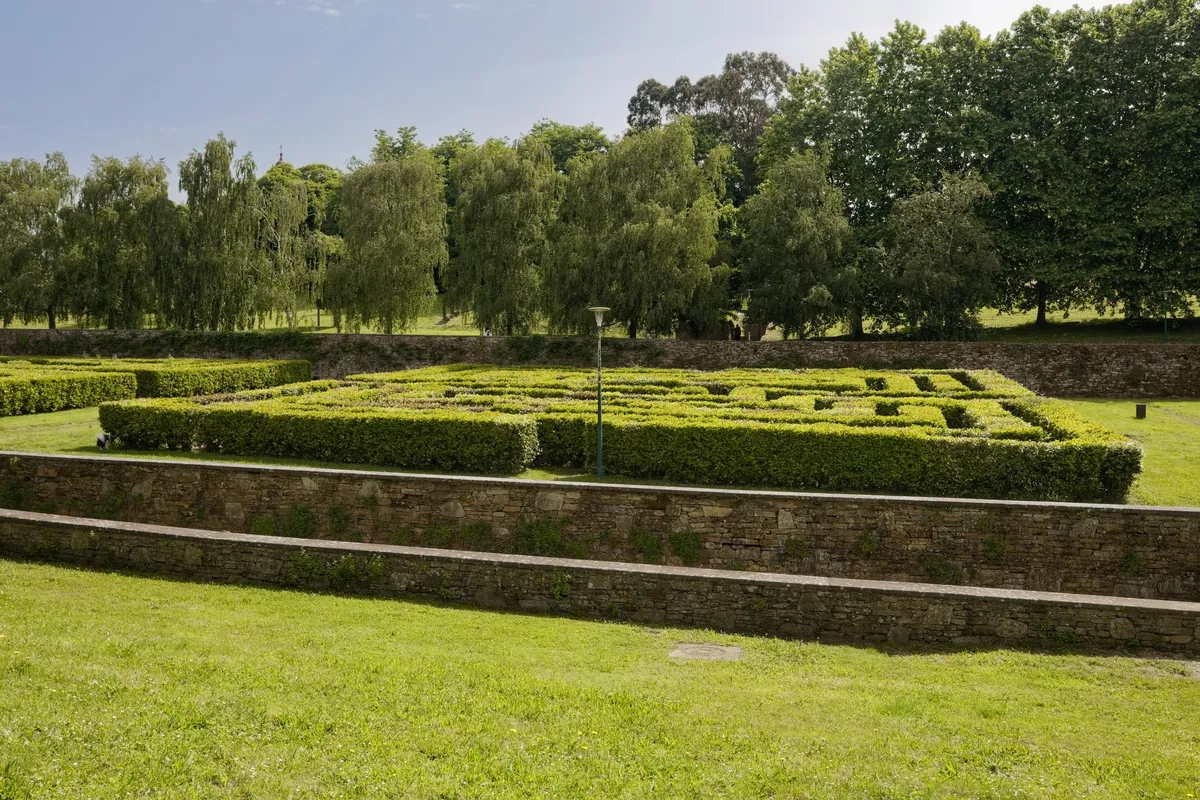
Look for the hedge maze and paths in the park east of the old town. Check access on the day.
How to frame it
Look for curves in the hedges as a foreground. Stay on a path and leave space around your subject.
Read more
For a selfie
A close portrait works well here, with a separate wide shot to show the layout of the hedges.
Light
Cloud can keep greens even. Watch where your shadow falls on a sunny day.
Sources and official links
Cidade da Cultura · angles at Gaiás
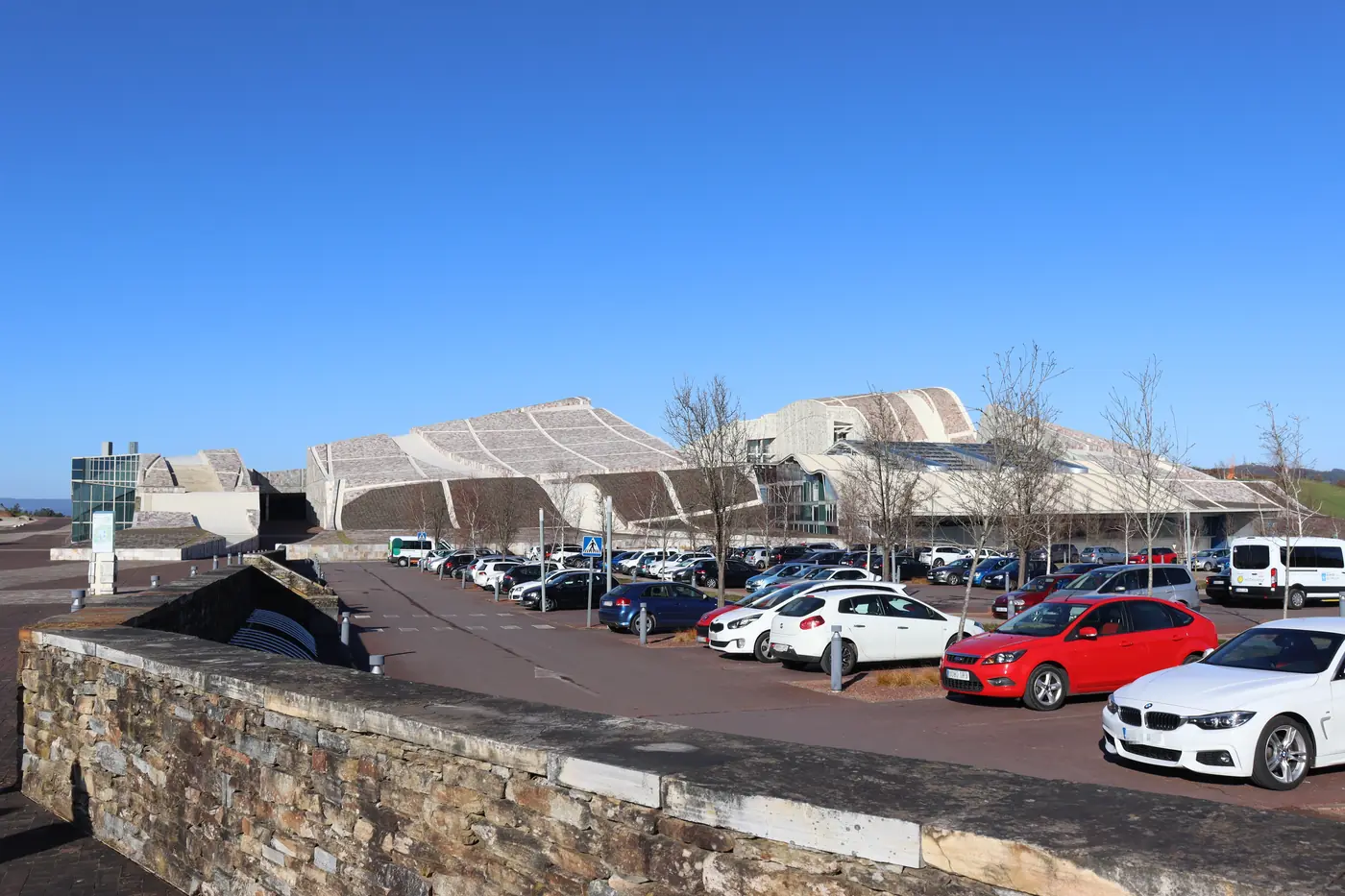
Plan a separate visit to Monte Gaiás. Check the official access, transport and return options first.
How to frame it
Look for curved lines and repeating surfaces. Show a person from farther away to give the buildings a sense of scale.
Read more
For a selfie
Choose a simple, recognisable background and keep your face away from the edge of a wide lens.
Light
Clouds can give architectural photos more contrast. Check the weather before a long outdoor session.
Sources and official links
A pause at CHUORE
Rúa da Senra is near the entrance to Alameda. Check opening times and choose handmade churros, hot chocolate, Café Arábica Gold Selection or an available Canelito®. If you take a snack with you, stop somewhere safe to take the photo.
Phone photography tips
- Wipe the lens and use the grid to straighten vertical lines.
- Leave space around faces when you use a wide lens.
- Watch for slippery wet granite and use a steady grip in low light.
- Check permissions for indoor or commercial photography.
Sources and official links
Questions about photos in Santiago
Where can I fit the whole cathedral in a selfie?
Move back into the open space at Obradoiro and use a timer or ask someone to take the photo if necessary.
What if it rains?
Look for sheltered angles under the Vilar porticoes. Fonseca access depends on the day.
Do I need a ticket?
The walks are based on public streets and outdoor places. Check access and rules for any interior.
When is the best light?
It depends on the direction, the season and the clouds. Soft light helps for portraits.
Can I walk from the centre to all the locations?
Alameda and the old town squares form a short walk. Allow more time for Bonaval and Belvís and plan travel to Gaiás separately.